Slack Alternatives in 2026: Honest Comparison
Slack with AI bots vs Duet and other AI-native team chat in 2026. Real comparison: persistent agents, app hosting, private servers, and the Build + Run wedge.

Duet Team
For 10 years, team chat meant Slack or Microsoft Teams. The AI layer was a thin add-on: a /chatgpt slash command, a sidebar summarizer, a Claude bot in a channel.
In 2026, the question reversed. Teams now ask: what if the AI wasn't a bot in chat, what if chat was the interface to the AI?
There are two architectures now. In one, the AI is a participant in a thread. It can answer questions, summarize, draft messages, sometimes call tools. When the thread closes, it forgets. In the other, the AI has a private cloud server: filesystem, cron, memory, the ability to install packages and host apps. Chat is the interface to that server.
That distinction matters more than any feature table. And it's the lens this comparison is built on.
We make Duet, so we'll tell you where it wins and where it loses to Slack today.
Let's get into it without any further ado:
Why Teams Are Looking for Slack Alternatives in 2026
Slack changed how teams communicate. But after a decade, the cracks are showing, especially now that AI is reshaping what a workspace should do:
- Pricing scales per user and gets expensive fast. A 10-person team on Slack Business+ pays $150+/month
- AI features are now bundled into higher tiers, not available as a cheap add-on. To get advanced AI, you need Business+ at $15/user/month. Free and Pro plans only get basic AI
- Bots are chat participants, not workers. They answer questions inside threads but don't have their own computer. No filesystem, no cron, no hosting
- The integration marketplace is deep but the AI layer is shallow. 2,600 apps for notifications and triggers, but the AI can't act on them autonomously
- Compliance is strong, but you're paying enterprise pricing for it. SOC 2 and HIPAA live behind the Business+ and Enterprise Grid tiers
If your team just needs chat, Slack still works. But if you want AI that actually runs work, the alternatives have caught up, and in some cases, passed it.
Here are the 6 best Slack alternatives in 2026, compared honestly.
- Slack
- Duet
- Microsoft Teams
- Pumble
- Mattermost
- Viktor
Comparison Table For Slack Alternatives
| Tool | Type | AI Built-in | Self-hosting | Free Plan | Starting Price | Best For |
|---|---|---|---|---|---|---|
| Slack | Chat + AI add-on | Yes (bundled in tiers) | No | Yes (90-day history) | $7.25/user/mo | Teams with existing integrations |
| Duet | AI-native workspace | Yes (core) | No | Yes | Workspace pricing | Teams that want AI doing work |
| Microsoft Teams | Chat + Copilot | Yes (Copilot add-on) | No | Yes (limited) | $4/user/mo (Copilot from $18/user/mo) | Microsoft 365 orgs |
| Pumble | Traditional chat | No | No | Yes (unlimited) | $2.49/user/mo | Budget-conscious teams |
| Mattermost | Self-hosted chat | Enterprise only | Yes | Yes (self-hosted) | $10/user/mo (cloud) | Compliance-first orgs |
| Viktor | AI agent (plugin) | Yes (core) | No | Yes ($100 credits) | $50/mo (credits) | AI agent inside Slack/Teams |
Slack
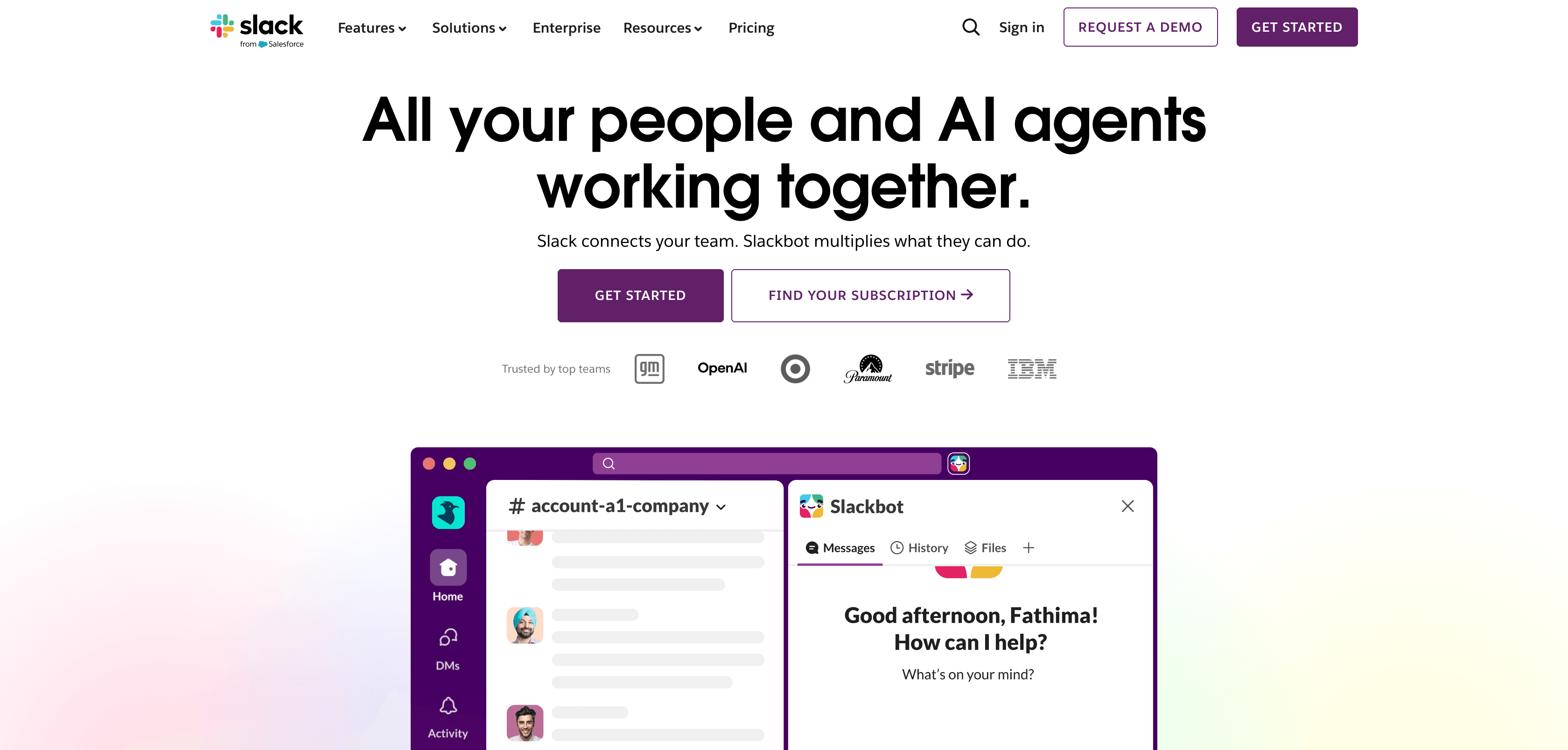
Slack is still the default for team communication. Ten years of polish, 2,600+ app integrations, and a workflow system that entire companies run on.
In 2025, Slack bundled AI features directly into its plans: channel summaries, thread recaps, AI-powered search, and a growing bot ecosystem with Claude and ChatGPT. The chat experience is best-in-class. The AI is a helpful layer, not a core architecture.
Pros
- The deepest integration marketplace in the category. 2,600+ apps with first-party support from nearly every SaaS vendor
- Mature UX with a decade of conventions. Threads, emoji reactions as workflows, channel naming patterns, granular notification controls. New hires already know how to use it
- AI now bundled into plans. Basic AI (summaries, search) included in Free and Pro. Advanced AI (workflow automation, full-history search) in Business+ and Enterprise
- Strong bot ecosystem. Claude, ChatGPT, and custom bots via Slack's API can answer questions and call external tools via MCP or OAuth
- Enterprise-grade compliance: SOC 2 Type 2, HIPAA, FedRAMP, ISO 27001, data residency
Cons
- AI bots are participants in chat, not autonomous workers. They can't run scheduled jobs, host apps, build dashboards, or maintain memory across conversations
- Advanced AI features require Business+ ($15/user/month) or higher. Free and Pro only get basic summaries
- Bots reset between conversations unless wired through external memory APIs. No persistent context
- The AI can answer and draft, but can't do work. No filesystem, no cron, no code execution, no app hosting
Pricing
Free plan with limited history. Pro at $7.25/user/month (annual) or $8.75/month (monthly). Business+ at $15/user/month (annual) with advanced AI bundled in. Enterprise Grid at custom pricing. For a 10-person team: $72-$150/month depending on plan and billing.
Best for
Teams where human coordination is the primary job and AI is a helpful side feature. If your stack is already wired into Slack's marketplace and you need rock-solid compliance, Slack is still the right answer.
Duet
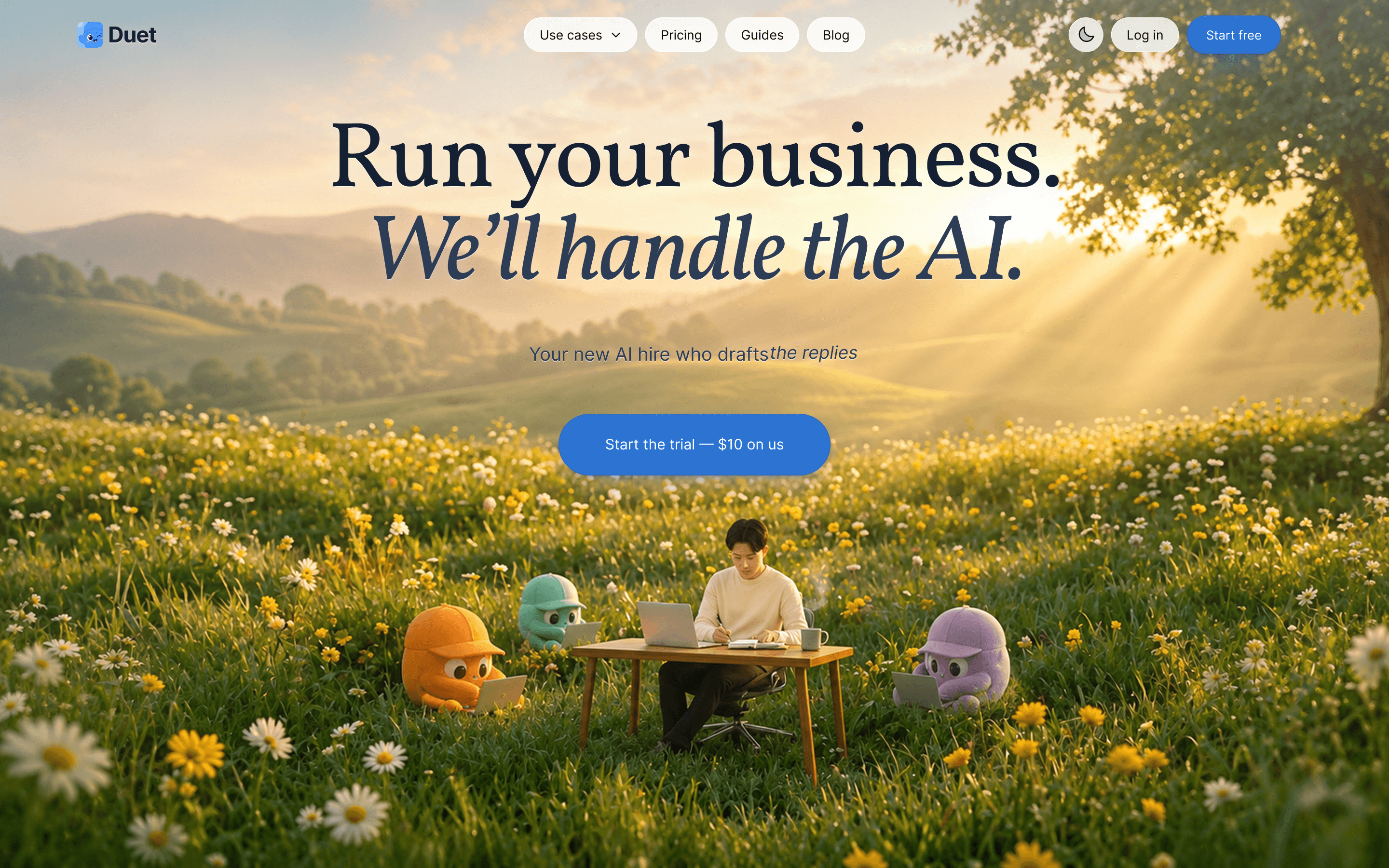
Duet is the only Slack alternative where the AI isn't a bot sitting in your chat. It's a full teammate with its own computer. Every workspace gets a private Debian sandbox with persistent file storage, cron scheduling, app hosting on custom domains, and multi-model routing across Claude, GPT, Gemini, and xAI. You chat with it like Slack. It works like a developer on your team who never sleeps.
The difference shows up in what happens after the conversation ends. Ask Duet to monitor a competitor's pricing page every Monday, and it actually does it, week after week, without being re-prompted. Ask it to build a client portal, and it hosts it on your domain. Ask it to draft your weekly investor update from git history, and next Tuesday it does it again automatically.
Pros
- Private cloud sandbox per workspace. Your files, cron jobs, and hosted apps live in your team's isolated environment, not shared multi-tenant infrastructure
- Persistent memory across sessions. Duet remembers your ICP, your brand voice, your customer list, research from months ago. No re-prompting
- App hosting on custom domains. The agent builds it, ships it, and keeps running it
- Multi-model routing. Claude, GPT, Gemini, xAI under one workspace and one bill. Pick the best model per task
- Scheduled work via cron. The agent runs jobs while you sleep: reports, audits, monitoring, data pulls
- Skills system. Teach Duet something once (a workflow, a content format, an audit checklist) and it reuses it forever
Cons
- Younger product. The integration ecosystem is growing through Composio and skills, but it's not Slack's 2,600-app marketplace yet
- Async-first by design. No voice huddles or video calls. Most teams keep a separate tool for real-time communication
- Mobile experience is catching up but not as polished as Slack or Teams
- Learning curve. Working with an AI teammate is a different mental model than working with a chat bot
Pricing
Workspace-based with prepaid AI credits, not per-seat. For a small team, it lands in a similar range as Slack Pro plus an AI bot subscription, but with the AI work included rather than billed separately. Free tier available to start.
Best for
Founders, small teams, and agencies who want AI that does work, not just answers. If your bottleneck is running operations, shipping content, or automating recurring tasks, this is the shape you want.
Try Duet free at https://duet.so/
Microsoft Teams
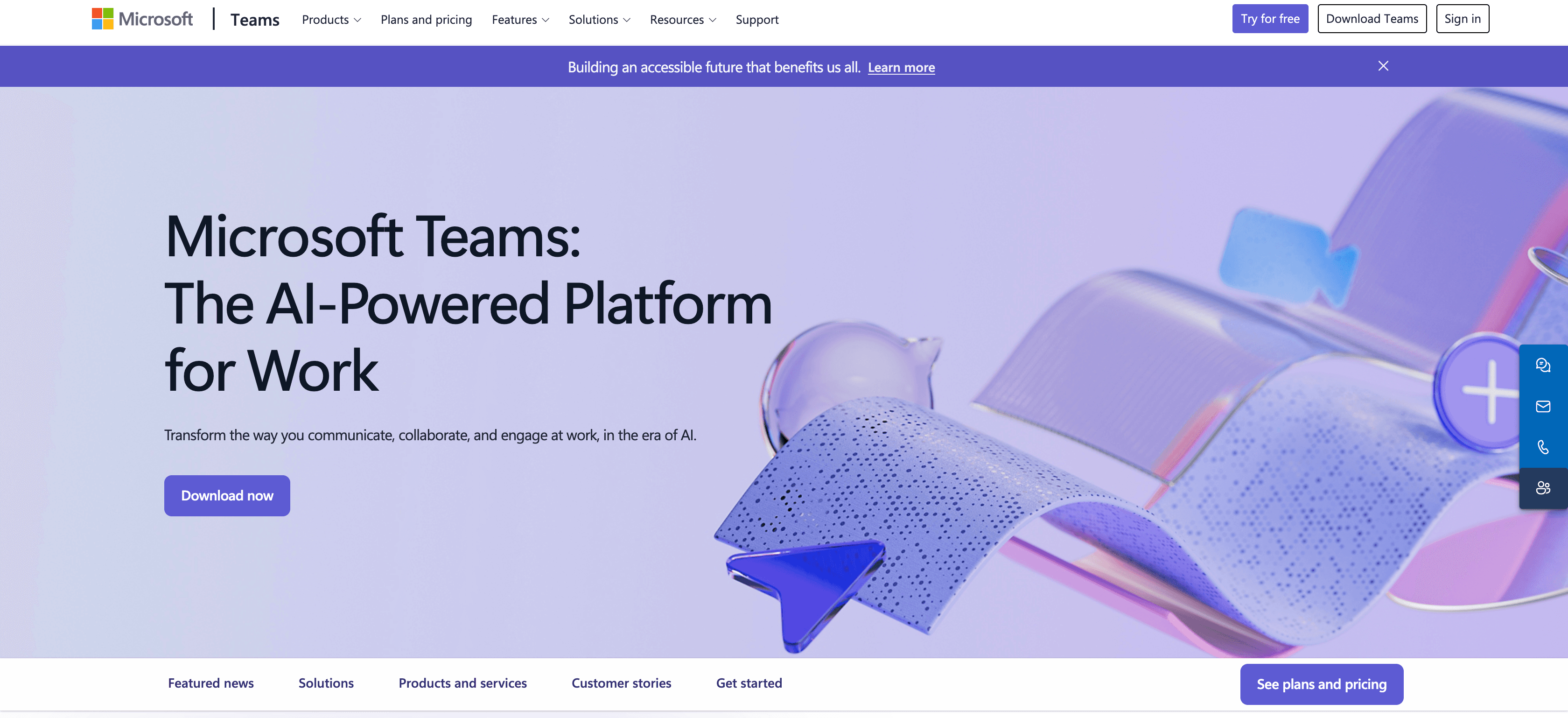
Microsoft Teams is the default Slack alternative for any organization already paying for Microsoft 365. It bundles chat, video calls, file storage, and now Microsoft Copilot into a single workspace. If your company runs on Outlook, SharePoint, and OneDrive, Teams is the path of least resistance.
Pros
- Included free with Microsoft 365 business plans, so most companies already have it
- Deepest video conferencing in the category (meetings, webinars, town halls, live events)
- Microsoft Copilot can summarize meetings, draft messages, and pull context from your Microsoft graph
- Enterprise compliance: SOC 2, HIPAA, FedRAMP, ISO 27001, data residency controls
Cons
- AI capabilities require a separate Copilot license. Business tier is $18/user/month (rising to $21 after June 2026). Enterprise is $30/user/month
- Copilot is limited to the Microsoft ecosystem. It can't run scheduled jobs, build apps, or maintain memory across conversations
- The interface is notoriously cluttered. Channels, tabs, and team structures overwhelm new users
- If your stack isn't Microsoft-heavy, the tight ecosystem lock-in works against you
Pricing
Included with Microsoft 365 Business Basic ($6/user/month). Copilot Business add-on is $18/user/month (promotional, rising to $21 after June 2026). Copilot Enterprise is $30/user/month. For a 10-person team: $60-$510/month depending on the plan and Copilot tier.
Best for
Teams already embedded in the Microsoft ecosystem who want AI as a side feature, not a core workflow driver.
Pumble
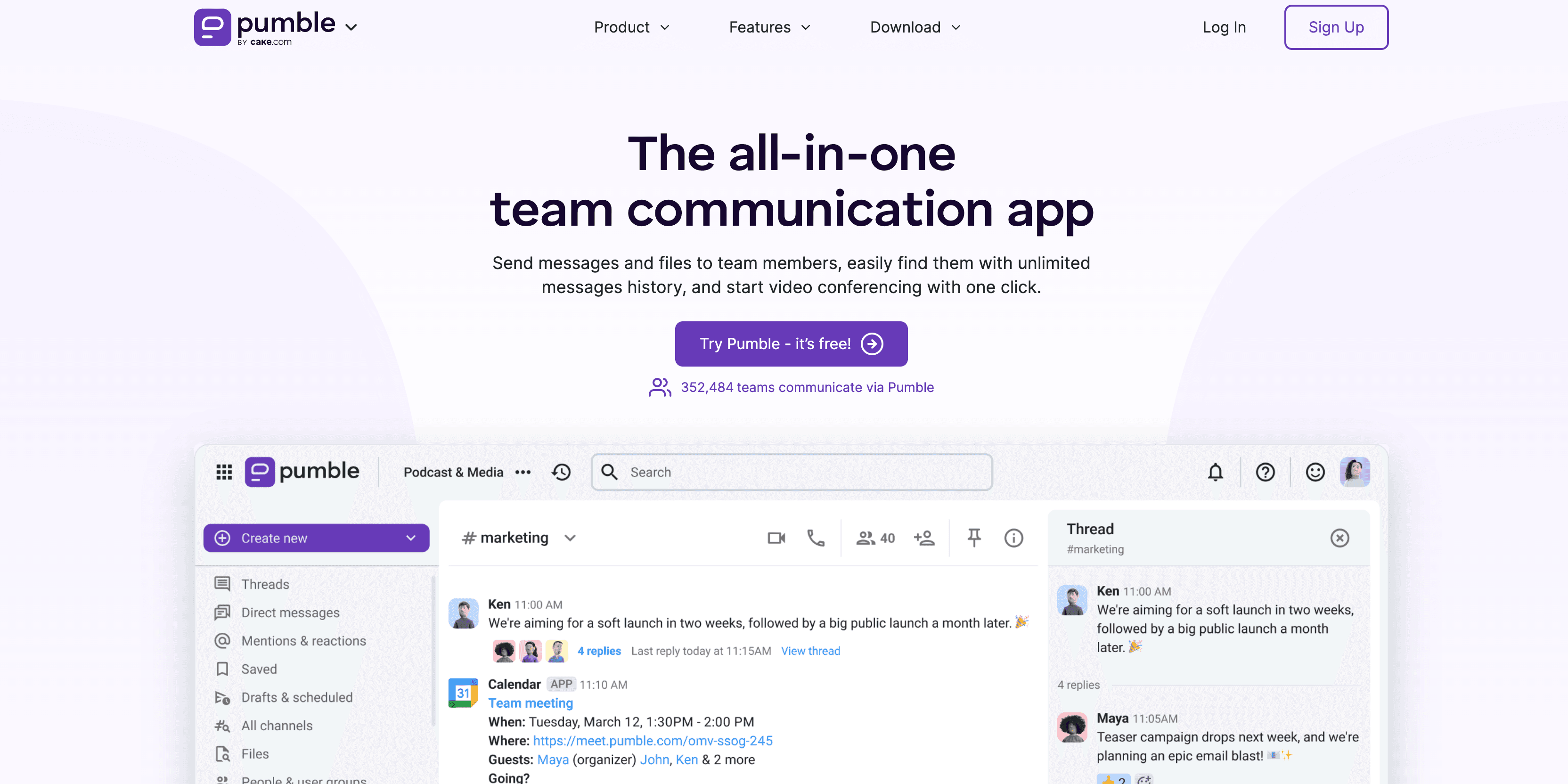
Pumble is what Slack would look like if it stayed free. Unlimited message history, unlimited users, unlimited channels, all on the free plan. No 90-day archive wall, no "upgrade to search older messages" prompts. For teams that just need a clean chat tool without the AI overhead, Pumble delivers.
Pros
- Unlimited message history on the free plan (Slack caps at 90 days)
- Unlimited users and channels, even on free tier
- Clean, familiar interface that requires almost no onboarding
- Part of the CAKE.com productivity suite (Clockify, Plaky) for teams already in that ecosystem
Cons
- No AI features at all. No summarization, no search intelligence, no automation beyond basic workflows
- Integrations are limited compared to Slack's 2,600+ app directory
- Video calls cap at 50 participants on free plan
- No open-source option for self-hosting
Pricing
- Free: Unlimited users, channels, and message history
- Pro: $2.49/user/month (annual) / $2.99/user/month (monthly)
- Business: $3.99/user/month
- Enterprise: $7.99/user/month
Best for
Budget-conscious teams that want unlimited messaging without paying per user. Startups, nonprofits, and education teams that just need reliable chat.
Mattermost
Mattermost is the self-hosted Slack alternative for teams that take data sovereignty seriously. Open source, SOC 2 Type II certified, HIPAA-ready, and deployable on your own infrastructure. If your security team has opinions about where chat data lives, Mattermost is probably already on their shortlist.
The platform goes beyond chat with integrated playbooks (incident response workflows), boards (kanban-style project tracking), and a plugin marketplace. It is a collaboration platform that happens to have messaging, not a messaging app trying to bolt on collaboration.
Pros
- Full self-hosting option with complete data control
- Open source (MIT license) with active community and plugin ecosystem
- Built-in playbooks for incident response and DevOps workflows
- SOC 2 Type II, HIPAA, and GDPR compliance ready out of the box
- Deep integrations with developer tools (Jira, GitHub, GitLab, Jenkins, PagerDuty)
Cons
- Self-hosting requires DevOps resources to maintain, patch, and scale
- UI feels functional rather than polished compared to Slack
- AI features (Copilot) only available on Enterprise tier
- Smaller integration marketplace than Slack or Teams
Pricing
- Free: Self-hosted, unlimited users and message history
- Professional: $10/user/month (cloud-hosted)
- Enterprise: Custom pricing (self-hosted or cloud, with advanced compliance and AI Copilot)
Best for
Engineering teams, defense contractors, healthcare orgs, and any company where compliance officers have veto power over tool choices. If you need air-gapped deployment or on-premise hosting, Mattermost is the only serious option on this list.
Viktor
Viktor is not a Slack replacement. It is an AI coworker that lives inside your existing Slack or Microsoft Teams workspace. It is like adding a team member who happens to be an AI agent with its own cloud computer, persistent workspace, and the ability to actually execute tasks, not just summarize them.
What makes Viktor different from Slack's built-in AI or a ChatGPT wrapper is scope. Viktor can browse the web, write and run code, deploy web applications, maintain a persistent file system across conversations, run scheduled tasks on a cron, and connect to 3,200+ apps through built-in integrations. It remembers context across sessions and can pick up where it left off.
Pros
- Own cloud computer with persistent workspace that survives between sessions
- Can deploy web apps, run scheduled tasks, and maintain long-running processes
- 3,200+ integrations out of the box (vs Slack AI's read-only access to your workspace)
- Persistent memory across conversations, builds context over time
- Works inside Slack or Teams, no migration needed
Cons
- Credit-based pricing can be unpredictable for heavy usage
- Adds AI capability to existing platforms rather than replacing them, so you still need Slack or Teams
- Learning curve to understand what the agent can and cannot do autonomously
- Relatively new, smaller community compared to established tools
Pricing
- Free: Starter plan with $100 in credits to try
- Paid: Credit-based plans starting at $50/month
- Enterprise: Custom pricing for teams
Best for
Teams that want AI agent capabilities inside their existing Slack or Teams workspace without switching platforms. Power users, ops teams, and developers who need an AI that can actually execute tasks, not just answer questions.
Honest Decision Framework
Skip the feature war. You just need to answer four questions.
- Does your team already live in Slack or Teams and you don't want to migrate? Add Claude or ChatGPT as a bot. Don't change tools.
- Do you want AI inside the SaaS you already pay for? Anthropic's Claude for Small Business is the cleanest version of that pattern.
- Do you want one named AI teammate that ships work between meetings, research, scheduled jobs, dashboards, follow-ups, and lives in a workspace your team chats in? Duet.
- Are you a regulated industry that needs SOC 2 / HIPAA / FedRAMP today? Stay on Slack Enterprise Grid for now, watch the AI-native category close the gap over 2026-2027.
There is no single best Slack alternative. There is a best one for what you want AI to do.
How Teams Are Actually Using Duet
A few concrete patterns we see from real Duet workspaces, from our content team and customer use cases:
- 3-person startups run ops out of Duet: weekly investor updates drafted from git history, customer research scheduled nightly, a hire-tracking dashboard the agent built and now maintains.
- Agencies give each client their own Duet workspace: brand-locked content generation, scheduled SEO audits, a private client portal hosted on a custom domain.
- Operations leads use Duet as the "team computer", the agent owns the spreadsheets, the data pipelines, the recurring reports. Humans review.
None of these workflows are possible in Slack + bot. Not because Slack is bad, but because the bot doesn't have a computer.
Our Verdict
If you want AI that does work (not just answers), the strongest AI-native option in 2026 is Duet, which gives every team a private cloud workspace with a persistent AI coworker, app hosting, and cron. Microsoft Teams with Copilot is the strongest answer for teams already on Microsoft 365. Slack + Claude or ChatGPT remains the safest choice if your team doesn't want to migrate off Slack.
Slack with AI bots is good enough if AI's job is to answer questions, summarize threads, and draft messages. It stops being good enough when you want the AI to own a workflow end-to-end: research, build, schedule, maintain.
That's the line. If your team is on one side, stay on Slack. If you've crossed it, try Duet.
Frequently Asked Questions
What's the best Slack alternative with AI agents in 2026?
It depends on what you need. Duet is the strongest option if you want an AI agent that can execute tasks autonomously (research, code, schedule, deploy). Microsoft Teams with Copilot is best for Microsoft 365 teams. Slack itself with Claude or ChatGPT bots remains solid if you just need AI answering questions in threads.
Is Slack good enough with AI bots?
Slack with AI bots is good enough if AI's job is to answer questions, summarize threads, and draft messages. It stops being good enough when you want the AI to own a workflow end-to-end: research, build, schedule, maintain. Bots in Slack can call connected APIs via OAuth or MCP, so they can perform discrete actions (create a Linear ticket, fetch a CRM record). They cannot run persistent processes, host apps, or maintain their own filesystem.
What makes Duet different from adding ChatGPT to Slack?
Duet gives every team a private Debian sandbox with persistent files, cron scheduling, app hosting on custom domains, multi-model routing, and skills that compose into workflows. ChatGPT in Slack is a conversational bot that resets between sessions. The difference is whether AI answers questions or does work.
Can Duet replace Slack completely?
Not a direct replacement. Duet's strength is AI-native work execution, not replicating Slack's full human coordination feature set (voice calls, 2,600+ integrations, enterprise compliance certifications). Most teams run both: Slack for human coordination, Duet for AI work.
How does Viktor compare to Duet?
Viktor is an AI agent that lives inside your existing Slack or Teams workspace, with its own cloud computer, persistent memory, and 3,200+ integrations. Duet is a standalone AI-native workspace where chat and AI execution live together. Viktor augments your current platform. Duet is the platform.
What's the cheapest Slack alternative for small teams?
Pumble is free with no user limits. Mattermost is free for self-hosting. Slack Pro is $7.25/user/month (annual). For AI-native options, Duet's workspace pricing often works out cheaper than Slack + per-user AI bot subscriptions for teams that use AI heavily.
Can I use Slack and Duet together?
Yes, most teams do. Slack keeps doing what it's good at (human coordination, voice, 2,600 integrations). Duet runs the AI work and posts results back. They are complementary, not competing.
Related Reading
- Duet vs Claude for Small Business: Which AI Runs Your Workflows in 2026? — Companion comparison for the Anthropic-bolted-into-SaaS pattern.
- How to Set Up a 24/7 AI Agent — The persistent-loop pattern AI-native workspaces are built around.
- How to Run a Startup's Operations With a 3-Person Team — Concrete startup-ops workflow on a small team.
- How We Grew Google Traffic 800% With AI — What scheduled AI work actually looks like in production.
Try Duet free, every team gets a private cloud workspace with a persistent AI coworker that builds, ships, and remembers.